
飞利浦 Sonicare HX9990/13
Philips Sonicare DiamondClean 9900 Prestige
Electric Toothbrush User Manual (Model HX9990/13)
介绍
Welcome to the Philips Sonicare DiamondClean 9900 Prestige Electric Toothbrush user manual. This guide provides essential information on setting up, operating, maintaining, and troubleshooting your new toothbrush. Designed with SenseIQ Technology and an advanced AI App, this toothbrush offers a personalized and effective oral care experience.

The Philips Sonicare DiamondClean 9900 Prestige electric toothbrush, shown with its charging travel case and charging stand, highlighting its sleek design and comprehensive accessories.
包装内容
开始之前,请确保您的包裹内包含所有组件:
- 1x DiamondClean 9900 Prestige sonic electric toothbrush handle
- 1 个 A3 高级多功能刷头
- 1x Charging travel case
- 1 个充电支架
- 1 条 USB 线
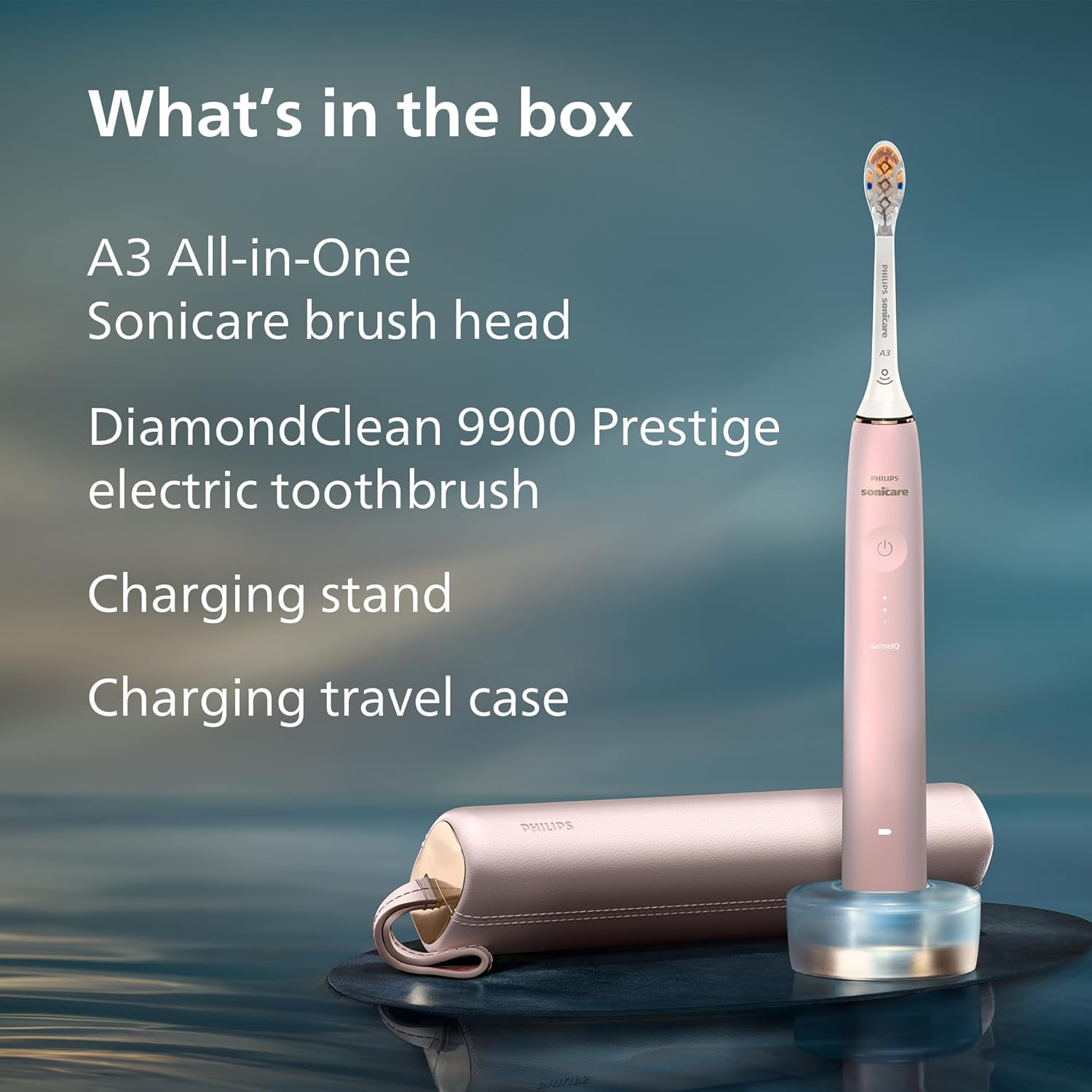
An organized display of all items included in the product packaging: the toothbrush handle, A3 Premium All-in-One brush head, charging stand, and charging travel case.
设置
初始充电
Before first use, fully charge your toothbrush for at least 24 hours. Place the handle on the charging stand. The battery indicator lights will illuminate to show charging progress. A full charge provides up to 14 days of regular brushing.
Connecting to the Sonicare App
For a personalized brushing experience, download the Philips Sonicare app from your device's app store. Enable Bluetooth on your smartphone and follow the in-app instructions to pair your toothbrush. The app provides real-time feedback, guided brushing, and personalized tips.

A hand holding a smartphone showing the advanced Sonicare App interface, which offers personalized guidance and real-time feedback powered by AI for an enhanced brushing experience.
操作说明
刷毛模式和强度级别
Your DiamondClean 9900 Prestige offers 5 brushing modes and 3 intensity levels, allowing for 15 personalized settings. Select your preferred mode and intensity via the toothbrush handle or the Sonicare app.
- 模式: 洁净、洁白、牙龈健康、深度清洁+、敏感肌
- 强度等级: 低、中、高

The Philips Sonicare toothbrush is displayed alongside a smartphone showing the app's brush settings, illustrating the 15 available brushing settings (5 modes and 3 intensities) and features like brush head replacement reminder and 14-day battery life.
SenseIQ Technology and Pressure Sensor
SenseIQ Technology senses your pressure, motion, and coverage up to 100 times per second, adapting to your brushing style. The visual pressure sensor, a light ring at the base of the handle, will illuminate if you apply too much pressure. Ease off the pressure when it lights up to protect your teeth and gums.

A close-up image of the Philips Sonicare brush head demonstrating SenseIQ technology, with water and bubbles illustrating its dynamic response for a personalized brushing experience.
A person using the Philips Sonicare toothbrush, with the visual pressure sensor at the base of the handle illuminated, indicating too much pressure is being applied, helping to protect teeth and gums.
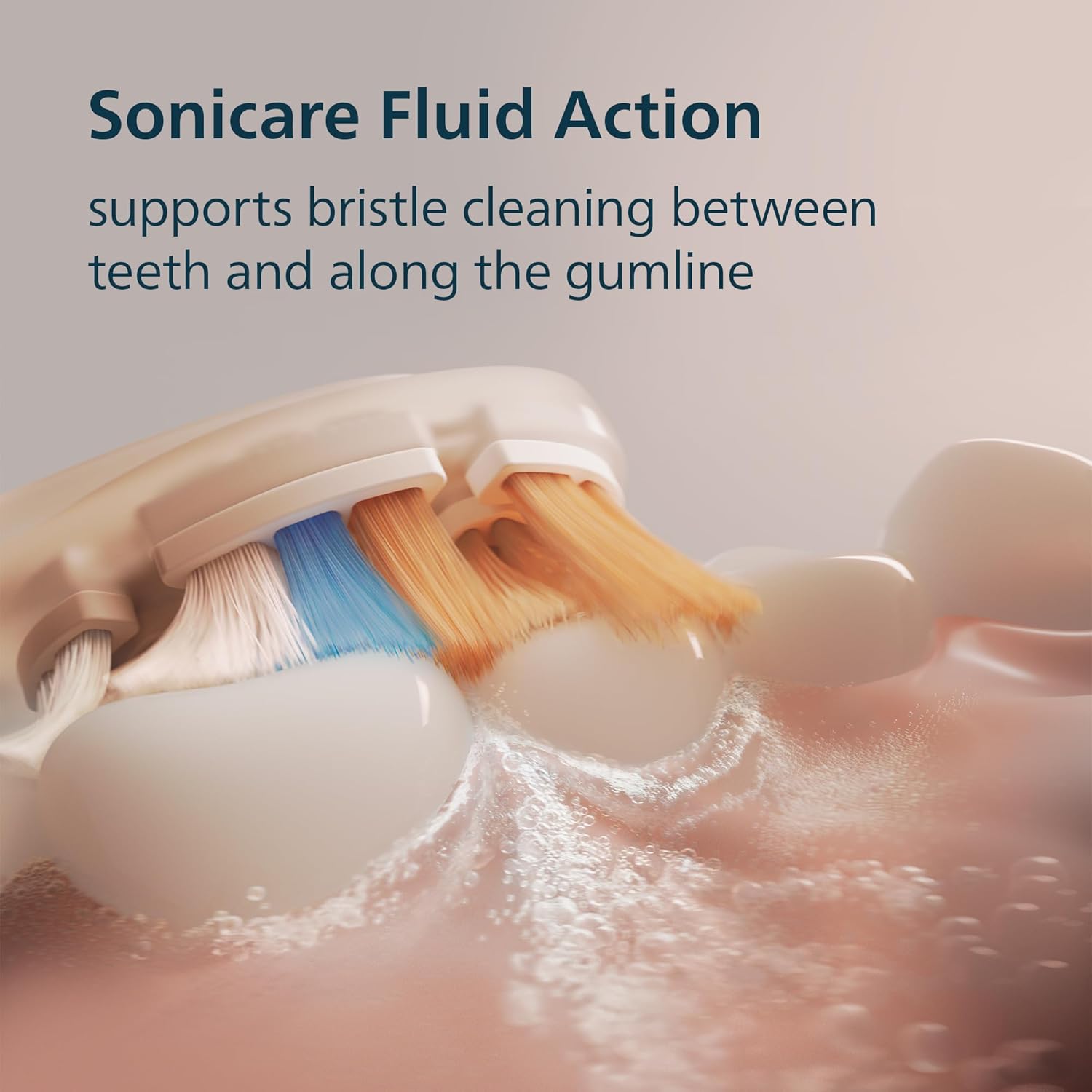
Sonicare Fluid Action
The Sonicare Fluid Action supports the bristles to clean by driving fluid deep between teeth and along the gumline, effectively removing plaque and stains. This technology ensures a gentle yet effective clean with up to 62,000 bristle movements per minute.

详细 view of the Sonicare Fluid Action, showing how the bristles and fluid work together to clean effectively between teeth and along the gumline, ensuring thorough plaque removal.
General Brushing Technique
Wet the brush head and apply a small amount of toothpaste. Place the brush head against your teeth at a slight angle towards the gumline. Turn on the toothbrush. Guide the brush head slowly from tooth to tooth, allowing the sonic vibrations to do the cleaning. Do not scrub. Brush each quadrant of your mouth for 30 seconds, guided by the built-in timer.

A person holding the Philips Sonicare toothbrush, emphasizing the personalized care it provides for optimal oral health.
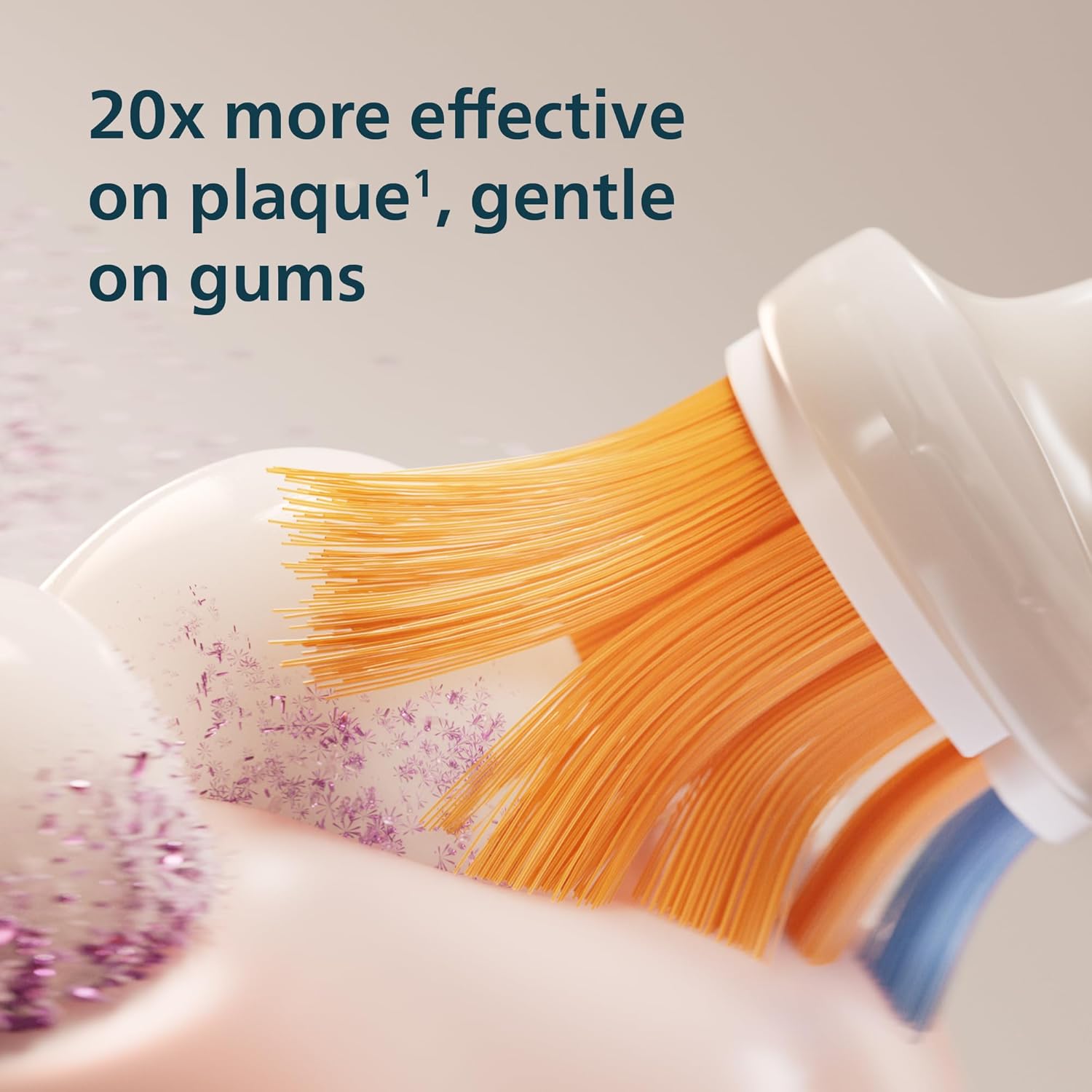
特写镜头 view of the Philips Sonicare brush head on teeth, illustrating its effectiveness in removing plaque, being 20 times more effective while remaining gentle on gums.
维护
打扫
- 每次使用后,请在流水下彻底冲洗刷头和刷毛。
- 用广告擦拭手柄amp 布。请勿将手柄浸入水中。
- Clean the charging stand and travel case with a damp 根据需要使用布料。
刷头更换
The toothbrush features a brush head replacement reminder. Dental professionals recommend changing your brush head every 3 months, or sooner if the bristles are splayed or worn. The app also tracks usage and reminds you when it's time for a replacement.
电池保养
To maintain optimal battery life, store the toothbrush on its charging stand when not in use, or charge it fully before extended periods of non-use. Avoid completely depleting the battery frequently.
故障排除
| 问题 | 可能的原因 | 解决方案 |
|---|---|---|
| 牙刷无法开机。 | 电池电量耗尽。 | 将牙刷放在充电器上至少24小时。 |
| 刷毛功率降低。 | Low battery; worn brush head. | Recharge the toothbrush; replace the brush head. |
| Pressure sensor light activates frequently. | 施加的压力过大。 | Reduce pressure during brushing. The light indicates optimal pressure has been exceeded. |
| Cannot connect to Sonicare app. | Bluetooth off; app issue. | Ensure Bluetooth is enabled on your device. Restart the app and toothbrush. Refer to app's help section. |
规格
| 特征 | 细节 |
|---|---|
| 型号 | HX9990/13 |
| 品牌 | 飞利浦Sonicare |
| 年龄范围 | 成人 |
| 特殊功能 | Bluetooth Connectivity, Compact, Rechargeable, Travel Size |
| 电源 | 电池供电 |
| 项目 硬度 描述 | Hard (referring to bristles) |
| 刷牙模式 | 5 (Clean, White, Gum Health, Deep Clean+, Sensitive) |
| 强度等级 | 3(低、中、高) |
| 电池寿命 | 最多 14 天 |
保修和支持
For warranty information, product registration, or further assistance, please visit the official Philips Sonicare web请访问网站或联系客服。请保留购买凭证以备保修之用。
在线支持: www.philips.com/sonicare
Ask a question about this manual
Ask about setup, troubleshooting, compatibility, parts, safety, or missing instructions. Manuals+ will review the question and use this page’s manual context to help answer it.